
ASRock
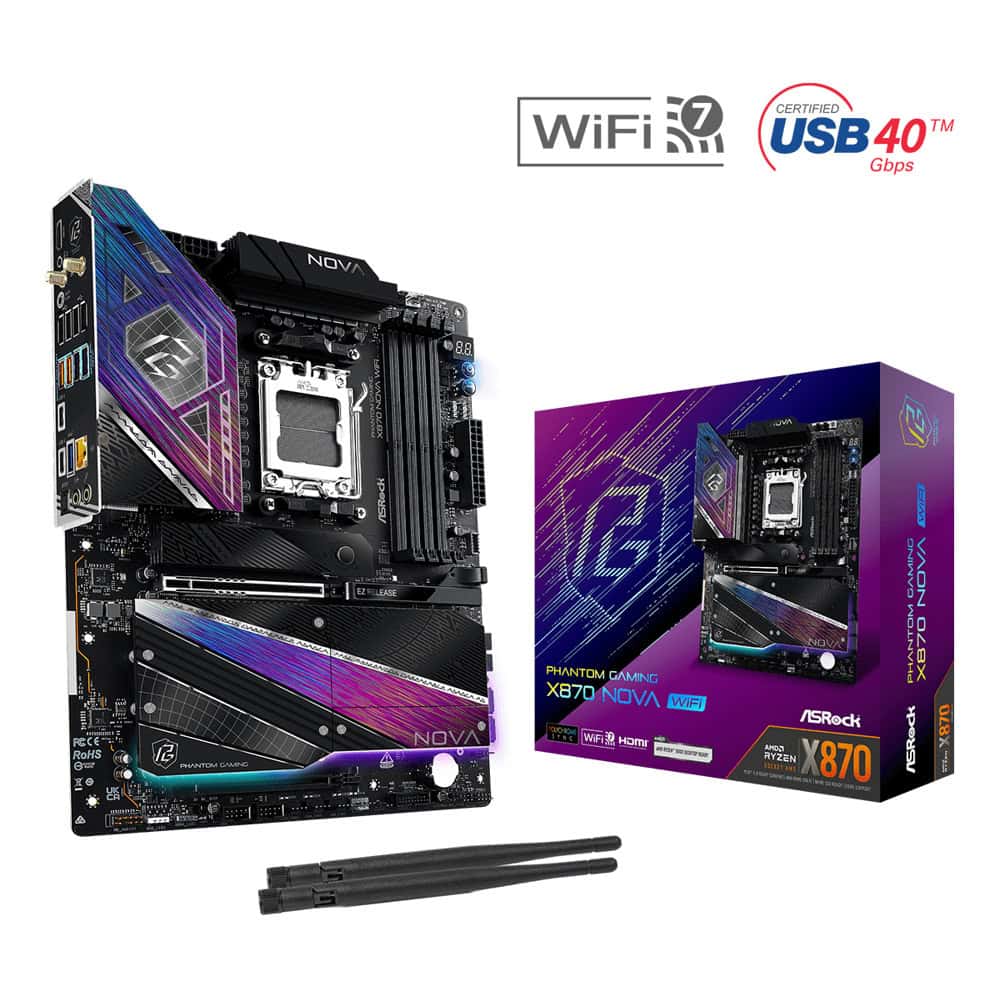
Дънна платка ASRock Phantom Gaming X870 Nova WiFi
Артикул №: 1000147179
Категория:
Компютърни компоненти
336,99 €
✓ Налично във външен склад
ASRock Phantom Gaming X870 Nova WiFi
Premium PCB solution
Server Grade Low Loss PCB
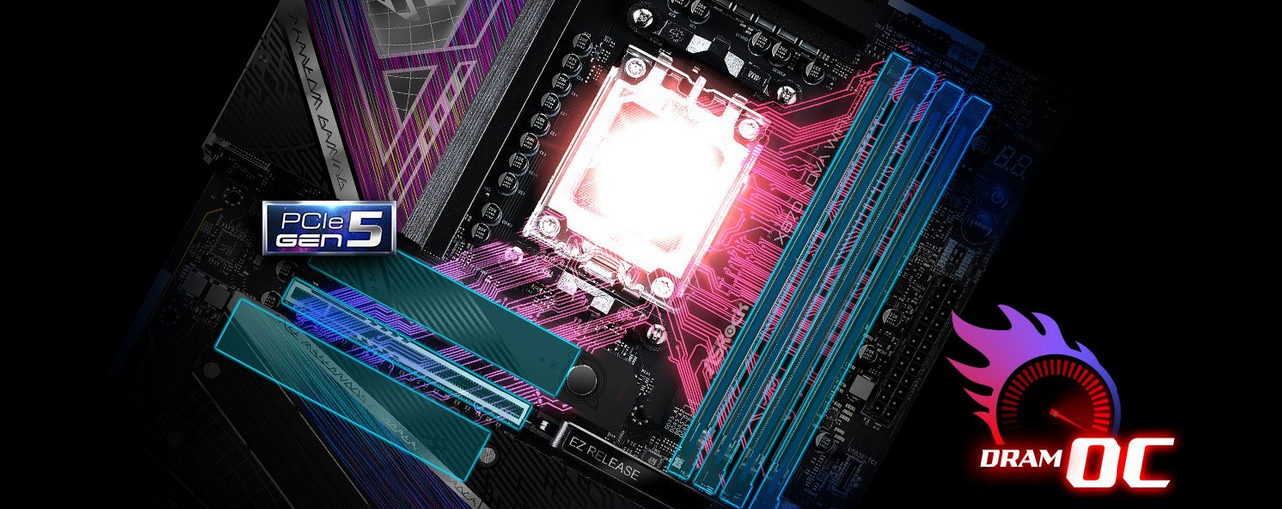
The server grade low loss PCB improves signal integrity, allowing motherboard to support PCIe 5.0 for both graphics card and M.2 SSD, it also improves memory OC potential to deliver the most extreme memory performance.
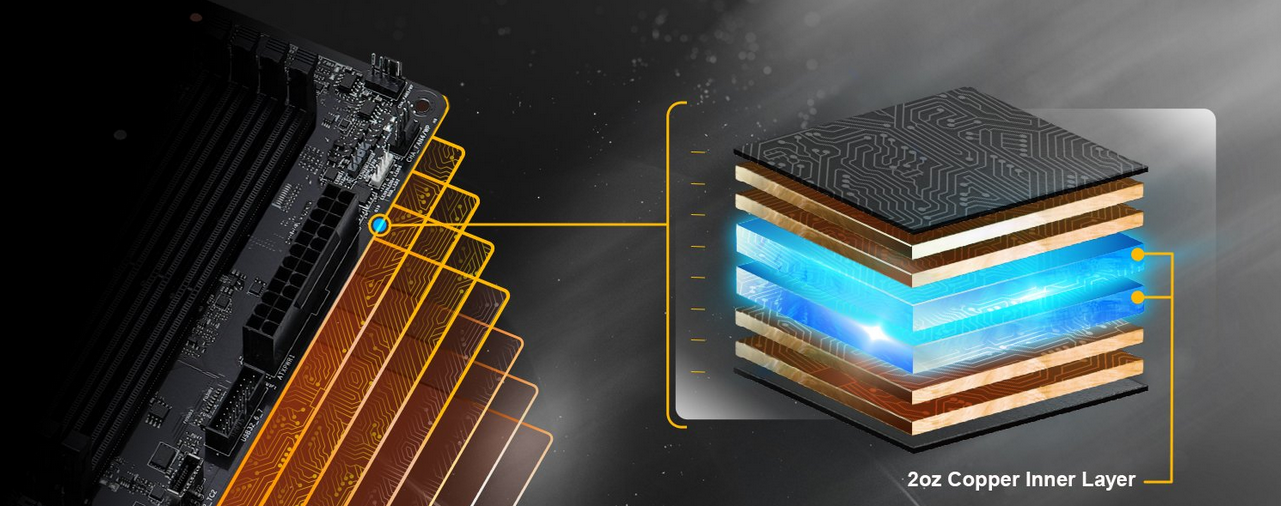
2oz Copper PCB
2 ounce copper inner layers that provide stable signal traces and power shapes! Delivering lower temperature and higher energy efficiency for overclocking.
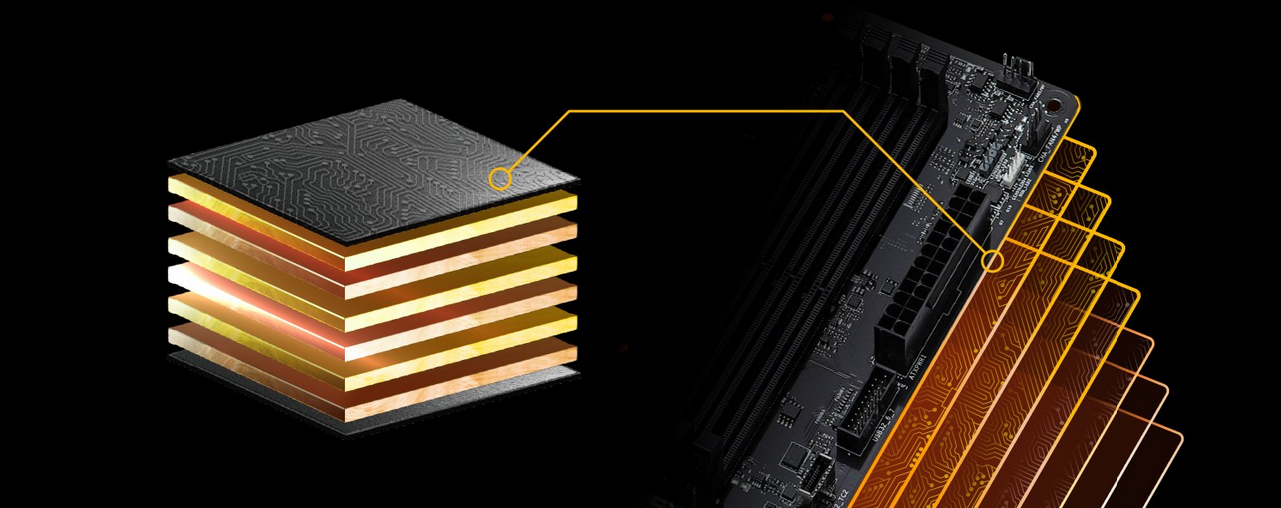
8 Layer PCB
The 8 Layer PCB provides stable signal traces and power shapes delivering lower temperature and higher energy efficiency, ensures a reliable and long-lasting system while delivering ultimate performance without any compromise.
Характеристики
| Chipset - AMD X870 | Да |
| BIOS - | 256Mb AMI UEFI Legal BIOS with GUI support |
| Slots CPU | - 1 x PCIe 5.0 x16 Slot (PCIE1), supports x16 mode * Chipset: - 1 x PCIe 4.0 x16 Slot (PCIE2), supports x4 mode * - 1 x Vertical M.2 Socket (Key E), supports type 2230 WiFi/BT PCIe WiFi module * PCIE1 will run at Gen5x16 with 9000 and 7000 series processors, Gen4x8 with 8000 (Phoenix 1) series processors and Gen4x4 with 8000 (Phoenix 2) series processors. If M2_5 is occupied, PCIE2 will downgrade to x2 mode. Supports NVMe SSD as boot disks |
| Storage CPU | - 1 x Blazing M.2 Socket (M2_1, Key M), supports type 2280 PCIe Gen5x4 (128 Gb/s) mode * - 1 x Blazing M.2 Socket (M2_2, Key M), supports type 2280 PCIe Gen5x4 (128 Gb/s) mode * Chipset: - 1 x M.2 Socket (M2_3, Key M), supports type 2280 SATA3 6.0 Gb/s & PCIe Gen3x2 (16 Gb/s) modes * - 1 x Hyper M.2 Socket (M2_4, Key M), supports type 2280 PCIe Gen4x4 (64 Gb/s) mode * - 1 x Hyper M.2 Socket (M2_5, Key M), supports type 2280 PCIe Gen4x4 (64 Gb/s) mode * - 2 x SATA3 6.0 Gb/s Connectors * * Supports NVMe SSD as boot disks M2_1 is the first priority for M.2 installation. M2_1 will run at Gen5x4 with 9000 and 7000 series processors and Gen4x4 with 8000 (Phoenix 1 and Phoenix 2) series processors. If M2_2 is occupied, both rear USB4 Type-C Ports and M2_2 will downgrade to x2 mode. You can switch M2_2 to x4 mode in BIOS setting, but doing so will disable USB4_TC1 and USB4_TC2. If M2_3 is occupied, SATA3_1 and SATA3_2 will be disabled. If M2_5 is occupied, PCIE2 will downgrade to x2 mode. |
| USB CPU | - 2 x USB4 Type-C (Rear) - 1 x USB 3.2 Gen2 Type-A (Rear (USB32_3) - 1 x USB 3.2 Gen1 Type-A (Rear (USB32_1) Chipset: - 1 x USB 3.2 Gen2x2 Type-C (Front) - 1 x USB 3.2 Gen2 Type-A (Rear (USB32_4) - 6 x USB 3.2 Gen1 Type-A (2 Rear (USB32_2 and USB32_5), 4 Front) - 8 x USB 2.0 (4 Rear, 4 Front) * All USB ports support ESD Protection |
| Form Factor - ATX Form Factor | 12.0-in x 9.6-in, 30.5 cm x 24.4 cm - 8 Layer PCB - 2oz Copper PCB |
| OS - Microsoft Windows | 10 64-bit / 11 64-bit |